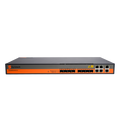
 Fiber
Fiber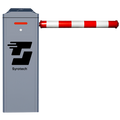 Entrance
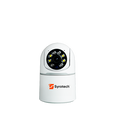 Security
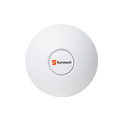 Wireless
 Government procurement
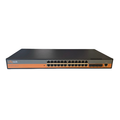 Switches
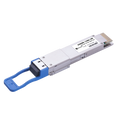 SFP
SFPPartner pricing, product training and a dedicated account manager for dealers, distributors and system integrators.
Government procurementCarrier-grade GPON for India’s fiber networks.
 Fiber to the home
Fast, stable fiber for every home.
 New in optics
GOXQDD-13400-LR8. Built and tested in India.
 Switching
SY-8000P-2T-2S-AI-PRO, with a live wattage display.
 Optics
Two directions. One fiber.
 Wireless
Strong, secure Wi-Fi for homes and offices.
 Security
Sees every corner, day and night.
 STQC certified
Built for toll-plaza traffic.

Starts in New Delhi as a distributor of Apple products.











Designed, manufactured and tested in our own facilities.
Every unit tested before it ships.
Stock planned ahead, shipped quickly.
Indian manufacturing, fair prices.
Onsite help and dedicated lines.
Built to global standards, certified for Indian networks.
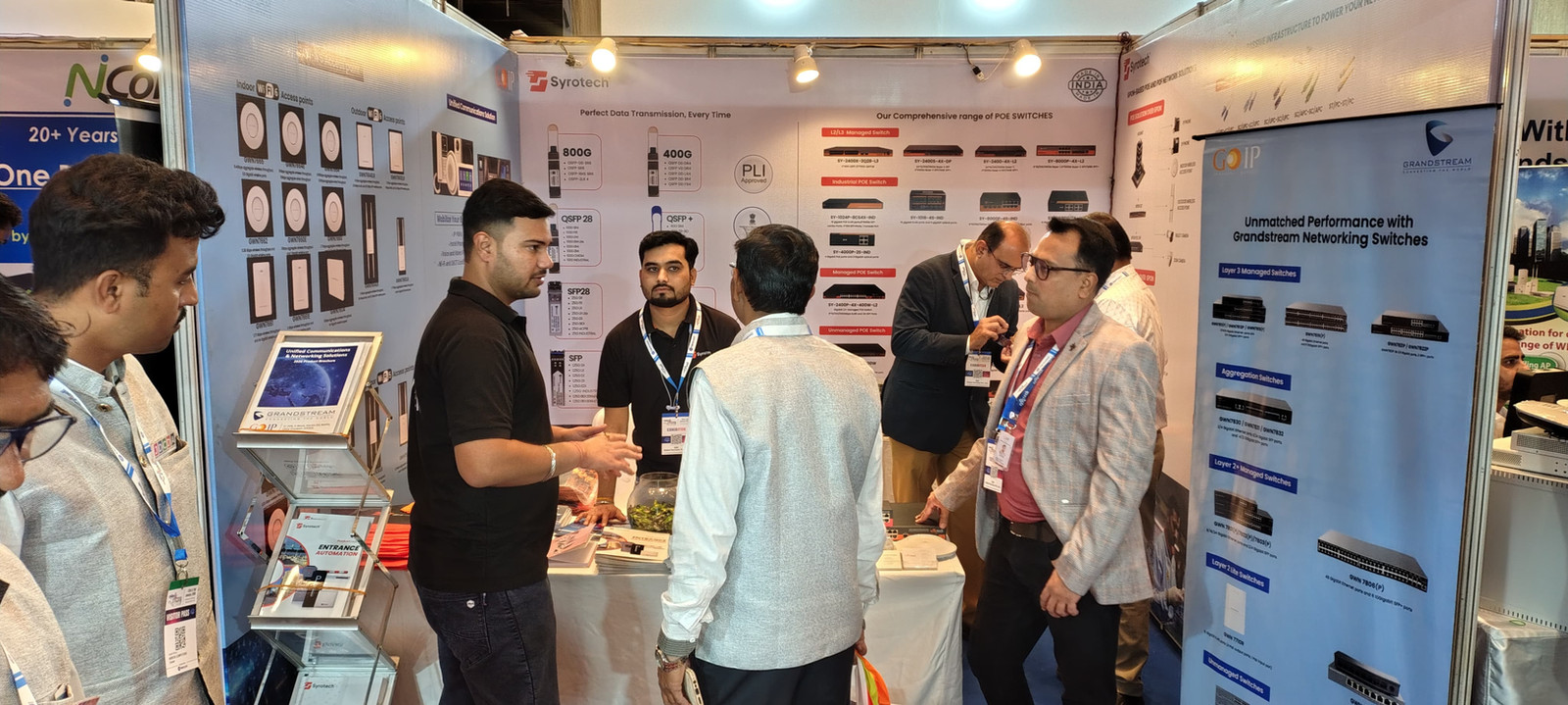
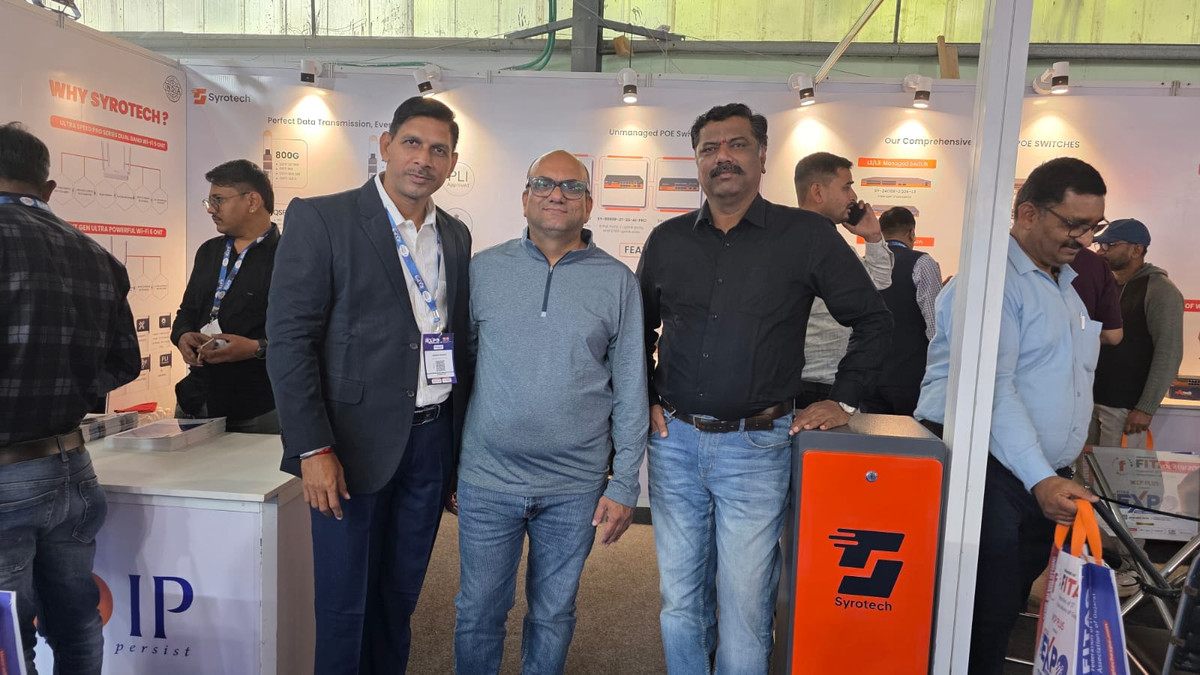
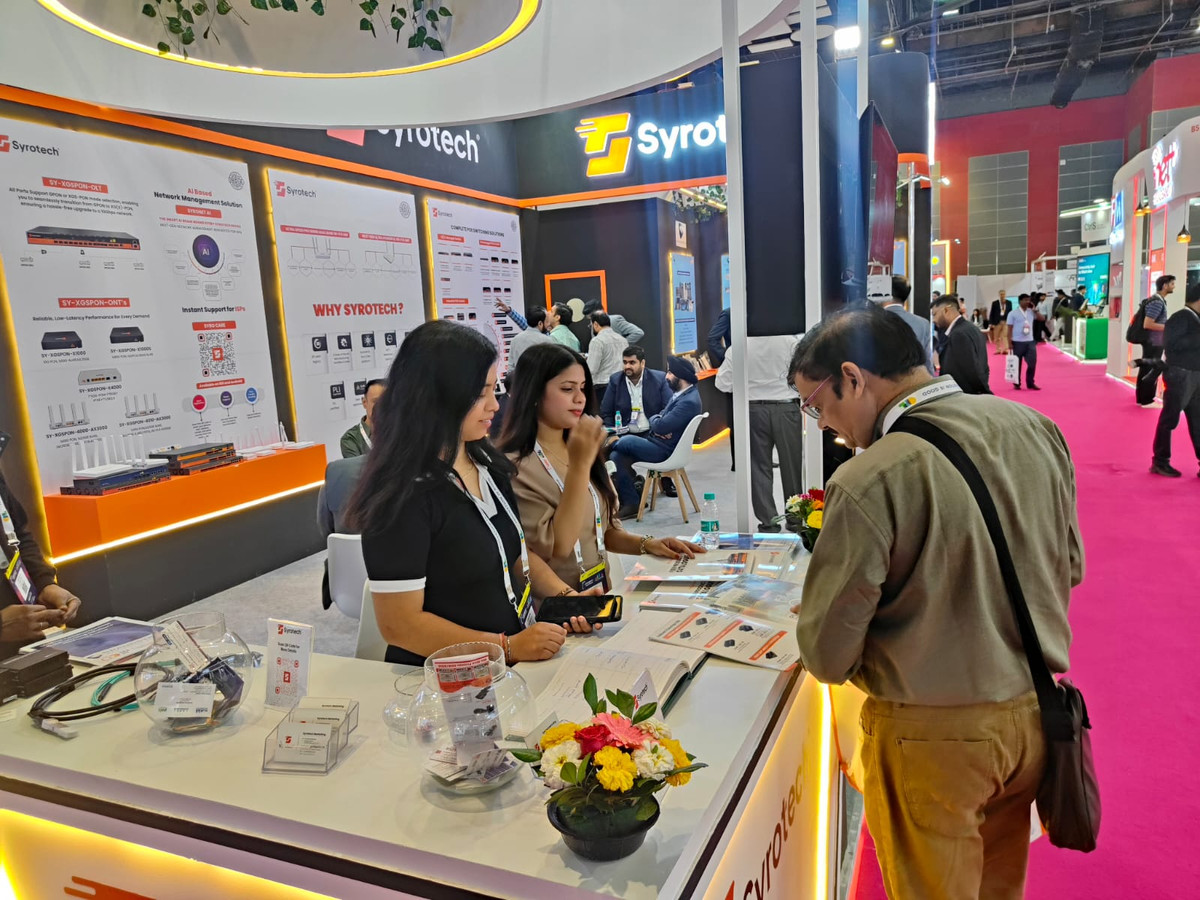
We bring working OLTs, switches and barriers to India's biggest telecom and broadband shows. Here is where the team has been this year.
Recognised at the Outlook Business Spotlight Business Icons Awards for advancing Make in India telecom equipment and connecting India's semi-urban and rural areas with fiber.
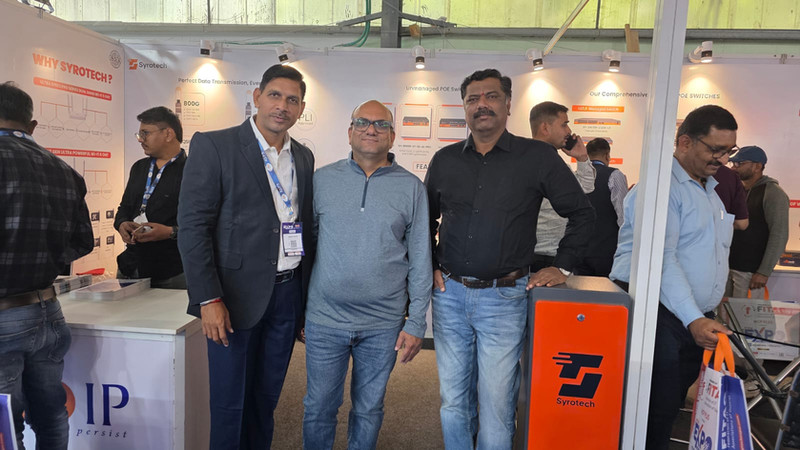
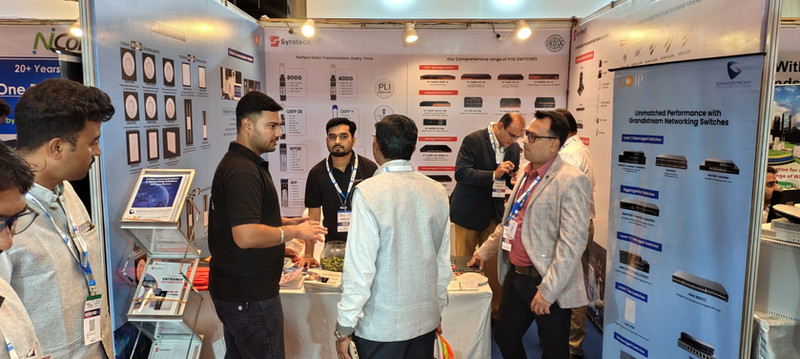
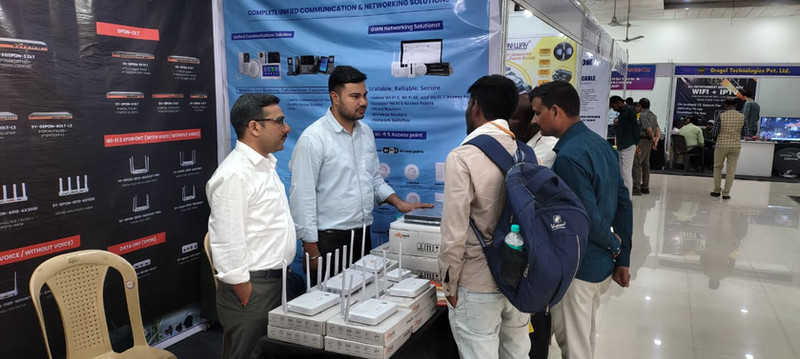
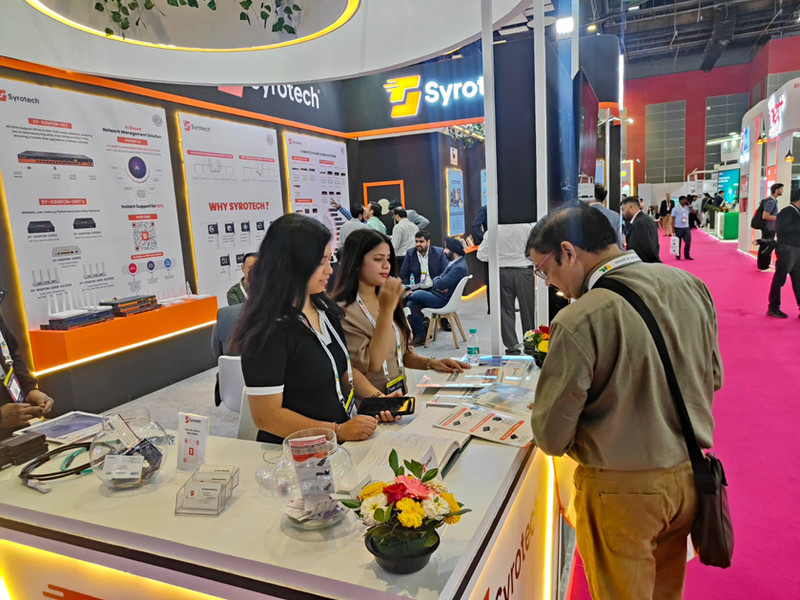
Planning a visit? Book a meeting with our product team at the next show.
Dealers, distributors and system integrators get a trusted Indian brand, local-language support and marketing that brings leads to your door.
An Indian manufacturer connecting the country since 1994.
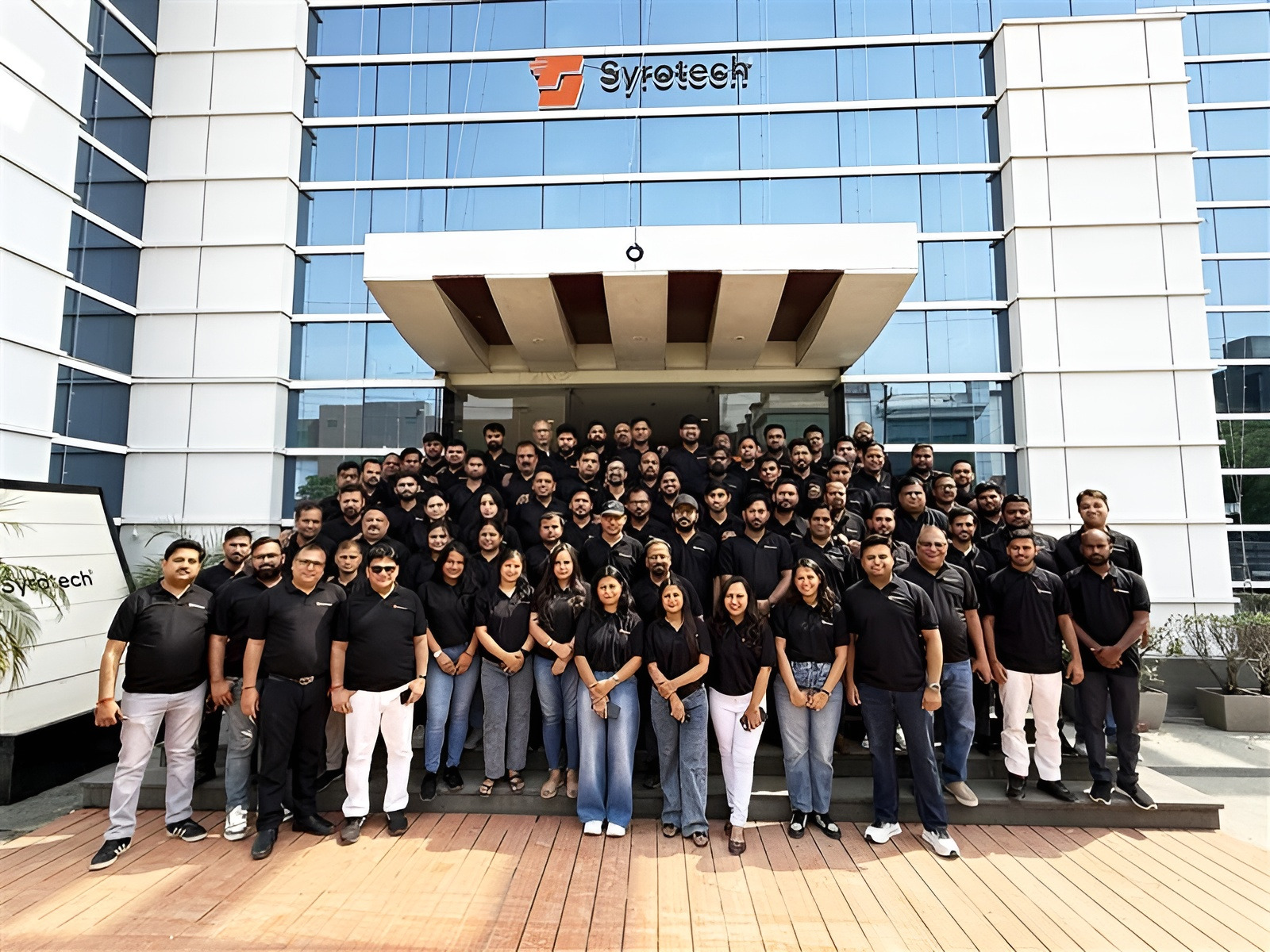
Designed in India. Built in India. Tested in India. Trusted by India’s largest networks, and supported by people who pick up the phone.
We started in 1994 as GO IP Global Services, a New Delhi distributor. In 2000 we moved into telecom and learned networking from the inside, working with global brands.
In 2009 we began making our own. Today Syrotech designs, builds and supports more than 400 products, from OLTs and optics to cameras and barriers, for operators across India and beyond.
Since 2022, our active PON equipment is designed and built in our own Indian facility.
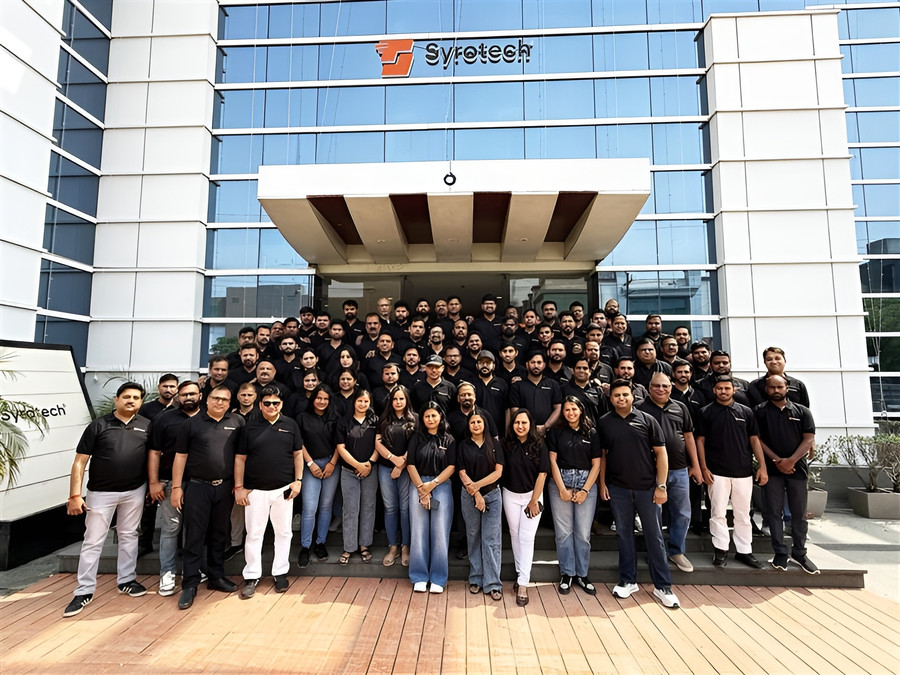
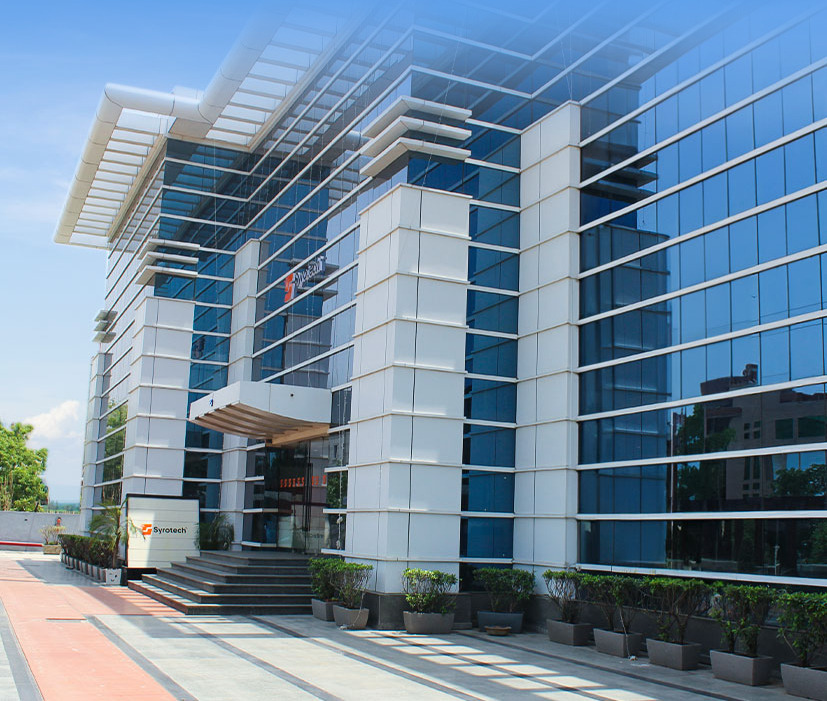 Our headquarters, Sector 63, Noida
Every unit passes in-house quality checks.
Government buyers can order Syrotech directly.















GO IP Global Services begins as a technology distributor.
Networking products from global brands.

Manufacturing starts with patch cords and optics.
A patch cord plant built for Make in India.
A quarter century of connecting India.
OLT and ONT production under our roof.
Active PON built end to end in India.
A new logo and a Noida headquarters.
Indian design and manufacturing, end to end.
Standards-compliant and tested, every time.
1,000+ partners in every corner of India.
25 support locations and 7 RMA centres.
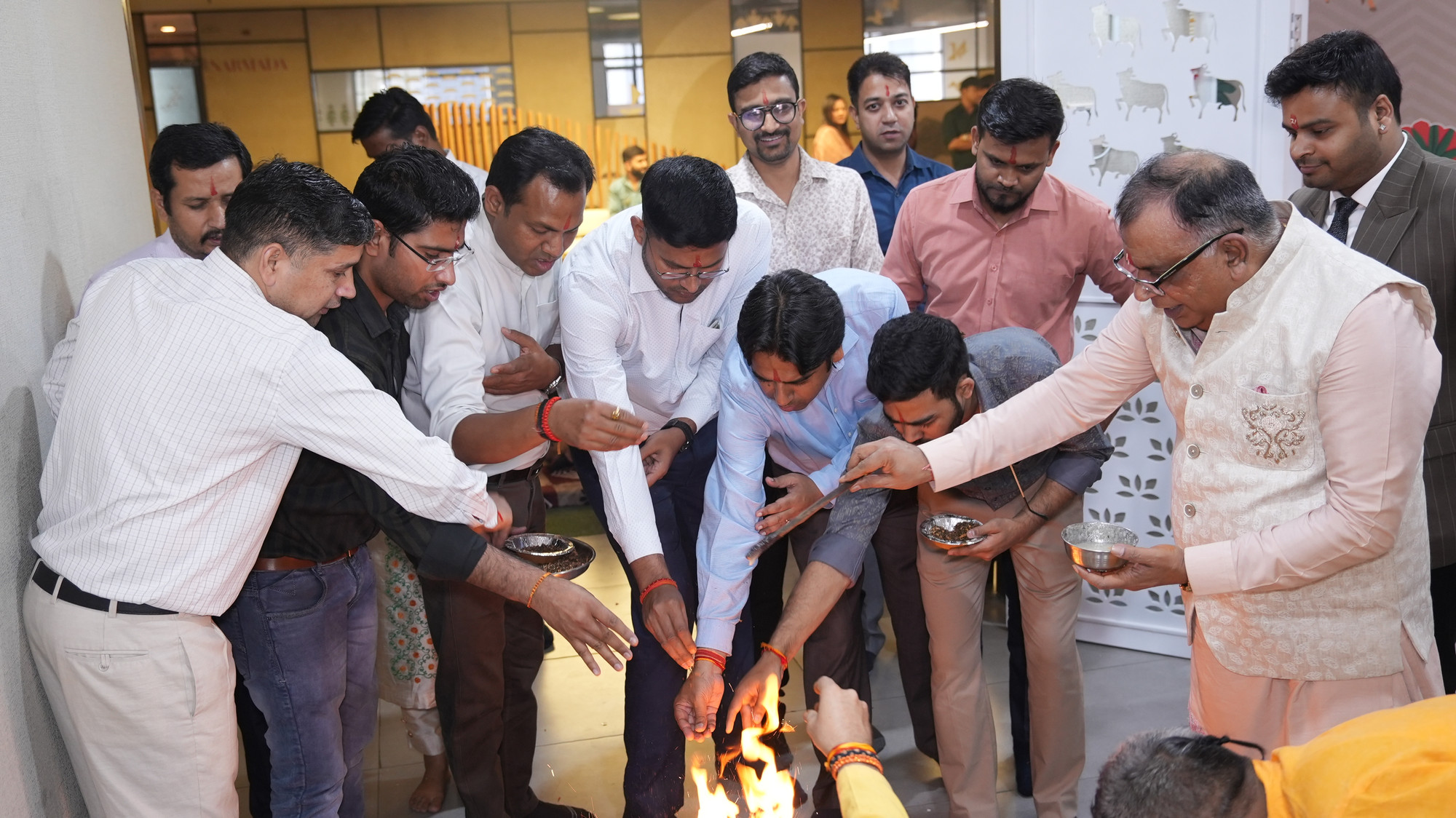
Outlook Business Spotlight, Business Icons Awards.
D-206, D Block, Sector 63, Noida, Uttar Pradesh
Getting the right Syrotech products is simple, whether you need one unit or a full network.
Browse six product lines to find the solution that fits your network.
Browse products 03Our marketing team will size the order with you directly.
+91 98702 95096 04We will connect you with your local dealer or distributor.
Find a dealerGovernment departments and PSUs can order directly through the Government e Marketplace.
Join 1,000+ partners who grow with a trusted Indian manufacturer, backed by a 500+ strong team, local-language support and marketing help.
Reliable, performance-driven networking solutions.
Promotional material and expert product training.
Exclusive partner discounts and bulk pricing.
Instant access to expert technical and sales help.
One point of contact for support and growth.
An Indian manufacturer with 30+ years in the market.
Your details are ready. If your email app did not open, write to marketing@syrotech.com.
Monday to Saturday, 9:30 AM to 8 PM IST.
Your details are ready. If your email app did not open, write to info@syrotech.com.
Flat No. 7B, Gopika Apartment, Behind Sahil Lawns, Pakhal Road, Dwarka, Nashik 422011
Open in Maps#5, Uttar Ramkrishna Pally, Benachity, Durgapur, Paschim Bardhaman 713213
Open in Maps1st floor, Ward No. 24, Block 14, Ram Mandir Vidi, Prakasham Road, Governor Peta, Vijayawada 520002
Open in MapsChanging the future of connectivity means thinking differently. Join a team of 500+ people building India’s networks.
Design and develop hardware for our next-generation products.
Your details are ready. If your email app did not open, write to info@syrotech.com.
Please attach your CV to the email that opens.
Technical support for all Syrotech products under warranty, Monday to Saturday, 9:30 AM to 8 PM.
You can contact our support team on 8750555060. You can also send your queries directly to support@syrotech.com.
Great news! You can do it by yourself. Please click on the YouTube link and follow the instructions. Contact on 080-69092000 or share your details to support@syrotech.com
ONT is a part of entire FTTH network, we suggest getting it done from your ISP (Internet services provider) who has all the credentials for your connection and make your FTTH connection work
You can download the respective firmware based on your product model/hardware version from our Firmware page, or get the firmware by sending an email with a screenshot of first information page of the device which lists the hardware and software versions, to the technical team on support@syrotech.com
Our technical support team will share it with you via email. Please send an email to support@syrotech.com with your product model number.
All Syrotech brand products, which are under warranty.
We are always here to provide you technical support. For home users kindly contact your service provider as they have all the credentials related to your services.
For Fiber products- please contact on 1800-21200-6122/2
For Entrance Products- Please contact on 9289379972
For CCTV Products- Please contact on 9289379973
For Biometric & Access Control Products- Please contact on 9717259994
We are happy to assist you in 12 languages.
Our Technical Support is available from 9:30 AM to 8 PM, Monday to Saturday.
Visit our contact page and fill out the form, and we will promptly get back to you with a solution. Additionally, feel free to chat with us during working hours.
Please contact your internet service provider for assistance, as we are the device manufacturer. If you're using our brand devices, they will be able to help you further.
You should contact your local internet service provider.
If the default username/password on the device is not working, please first contact your internet service provider, as they might have been changed during the initial installation. If the issue persists, kindly drop an email to support@syrotech.com.
Before resetting the ONT/Router, please ensure you have all the credentials for reconfiguration. Locate the RST (Reset) button on the ONT/Router and press it for 15-20 seconds to restore the product to its factory state.
If the PON LED is blinking, please contact your ISP as there may be a potential fiber connectivity issue between your ONT and the service provider network.
If the PON LED is red, please contact your ISP as there may be a potential fiber connectivity issue between your ONT and the service provider network.
If your product supports Wi-Fi, it is enabled by default. The default password is printed on the label of the ONT/Router.
Please check if you are within the Wi-Fi range of your ONT/Router, ensure that you are connecting to the correct SSID, and verify that the entered password/key is correct.
The speeds achievable over Wi-Fi depend on factors such as proximity to the Wi-Fi ONT/router and other considerations, including interference from nearby Wi-Fi networks. Opt for dual-band Wi-Fi routers/ONT that support the latest standards like 802.11 AC/802.11 AX. Connecting to the 5GHz Wi-Fi band can minimize interference and enhance speeds, although the range may be slightly reduced.
For best performance test, we recommend a direct Ethernet (LAN) cable connection. Internet speeds over a wired connection (Cat 5 or Cat 6 ethernet cable) are faster compared to wireless speeds. Check your speed on LAN if it’s as per your plan.
• There are many factors that adversely impact your home Wi-Fi performance, these are:
- Types of wireless client devices its processor and operating system: older phones and laptops that have older Wi-Fi protocols 802.11b/g will give you lower speed.
- Number of devices in use: the more the devices, the more the load on the router and the lesser the speed.
- Distance from the router: the 2.4 GHz channel gives you range but lower speeds, while the 5 GHz channel is less crowded, gives you higher speed but for shorter distances.
- Network interference in your home. In high-rise buildings, with multiple flats on the same floor, signal interference from your neighbor’s router impacts the reach and speed of your router.
- Building materials, in-home obstructions affect signal strength.
- Location of your Wi-Fi router. Do place your router in a central, elevated spot. Your router should also be away from sources of electrical interference such as microwaves, cordless phones and TVs.
Wi-Fi signal strength depends on how close you are to the Wi-Fi router. Walls and other obstacles like cabinets obstruct the signal and reduce the signal strength thereby seriously impacting the signals and speeds. Keep your desktops, laptops, mobiles and other devices closer to the Wi-Fi router / ONT so that you will be having a better Wi-Fi signal. Wi-Fi coverage can be extended to other rooms by employing Wi-Fi mesh network devices or by installing additional Wireless Access Points or Wi-Fi extenders which are now available.
No, we do not provide installation.
No questions match. Try another word, or ask the Syrotech Assistant.
Catalogues, video tutorials, firmware and insights from the Syrotech team.
Firmware updates improve functionality and security. Our technical team shares the right file for your exact model and hardware version.
Your request is ready. If your email app did not open, write to support@syrotech.com.
The link may be mistyped or the page may have moved. These will get you back on track.